
The world of work is changing rapidly. Technology, artificial intelligence, digital business, and entrepreneurship are creating new opportunities for young people. Parents who help their children develop practical skills early can give them a valuable advantage in education, employment, and future business opportunities. 10 Jobs and Skills Your Children Should Learn.
Table of Contents
While academic education remains important, children also benefit from learning how to solve problems, communicate effectively, manage money, and use technology responsibly.
The goal is not to pressure every child to start working at a young age. Instead, it is to expose children to useful skills, help them discover their interests, and prepare them for the opportunities and challenges of adulthood.
Here are 10 valuable jobs and skills children should learn for the future, together with practical ways to begin learning them.
1. Coding and Software Development
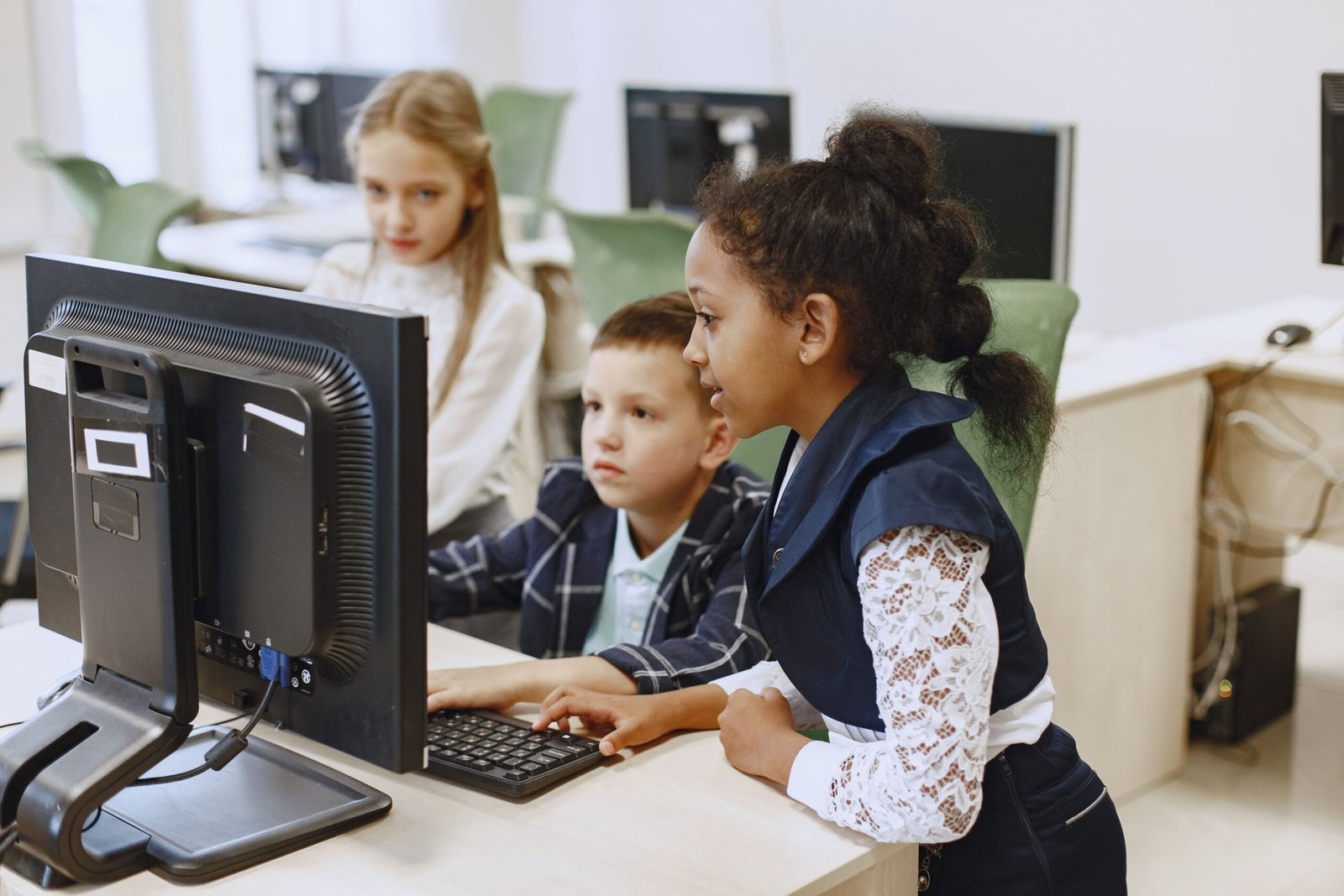
Coding teaches children how to give instructions to computers, solve problems, and build digital projects. It can also strengthen logical thinking, creativity, and persistence.
As children grow, these foundations can lead to careers such as software development, mobile application development, game development, and automation engineering.
What children can learn:
- Basic programming concepts, including variables, loops, and conditions.
- Building simple games and interactive stories.
- Creating websites and basic applications.
- Identifying errors and improving their projects.
How to get started: Younger learners can begin with visual programming tools such as Scratch. Older children can explore Code.org before progressing to text-based languages such as Python.
Parents should encourage children to create small projects instead of focusing only on watching tutorials.
2. Artificial Intelligence and Digital Literacy
Artificial intelligence is becoming part of education, healthcare, agriculture, business, finance, and many other industries. Children do not need to become AI engineers immediately, but they should understand how digital tools work and how to use them responsibly.
Digital literacy also helps children distinguish reliable information from misinformation and understand the importance of online privacy.
What children can learn:
- What artificial intelligence is and how it is used.
- How to write clear instructions for AI tools.
- How to verify AI-generated information.
- Online safety, privacy, and responsible technology use.
- Basic problem-solving with digital tools.
Children should understand that AI can make mistakes. They should not share private information with AI systems or rely on generated answers without checking important facts.
Career opportunities to explore later: AI development, data science, automation, robotics, and technology research.
3. Web Design and Website Development
Websites are essential to businesses, schools, charities, media organisations, and entrepreneurs. Learning how websites are designed and developed can help children understand how the internet supports modern business.
This skill can eventually lead to freelance opportunities, employment, or the creation of their own online businesses when they are old enough.
What children can learn:
- How websites are organised.
- Basic HTML and CSS.
- Website layout, colours, typography, and user experience.
- How to create a simple portfolio or school project website.
- How websites support online stores and business services.
Children can start with simple page-building activities before progressing to more advanced website development.
4. Graphic Design, Video Editing, and Content Creation
Businesses, educators, creators, and organisations need visual content to communicate their messages. Graphic design and video editing help young people turn ideas into posters, presentations, illustrations, and short videos.

What children can learn:
- Designing simple posters and presentations.
- Using colours, shapes, and typography effectively.
- Editing short educational videos.
- Creating illustrations and digital artwork.
- Developing visual storytelling skills.
Beginner-friendly tools such as Canva can help children explore design. Video-editing tools can be introduced gradually with parental guidance.
Parents should also teach children about copyright, permission to use other people’s work, and safe sharing of photographs and videos online.
Possible future careers: Graphic designer, video editor, animator, digital illustrator, and content creator.
5. Digital Marketing and Online Business Promotion
Digital marketing involves using online channels to help businesses reach customers. It includes search engine optimisation, social media marketing, content marketing, email marketing, and online advertising.
Children can begin by learning how businesses communicate online rather than immediately managing commercial campaigns.
What children can learn:
- How to write clear and persuasive messages.
- The basics of social media and online communication.
- How search engines help people find information.
- How to identify an intended audience.
- How to understand simple website traffic and engagement statistics.
Older learners can explore practical projects, such as creating a mock marketing plan for a school club or a family business.
Digital marketing can later lead to careers in SEO, social media management, content strategy, advertising, and business development.
6. Data Analysis and Spreadsheet Skills
Data is used to make decisions in business, education, healthcare, government, and technology. Children who learn to organise and interpret information can develop strong analytical and mathematical skills.
They can begin with simple activities before moving to professional data tools.
What children can learn:
- Entering and organising information in spreadsheets.
- Performing basic calculations.
- Creating charts and tables.
- Comparing results and identifying patterns.
- Using evidence to explain a conclusion.
For example, a child could create a spreadsheet to track reading progress, organise a small school project, or compare household expenses using sample figures.
As they grow older, they can explore Excel, Power BI, Python, and other data-analysis tools.
7. Cybersecurity and Online Safety
As children spend more time using connected devices, understanding online safety is increasingly important. Cybersecurity education teaches them how to protect accounts, recognise suspicious messages, and behave responsibly online.
What children should learn:
- Creating strong, unique passwords.
- Recognising phishing messages and suspicious links.
- Keeping personal information private.
- Understanding the risks of downloading unknown files.
- Asking a trusted adult for help when something online feels unsafe.
Older children with an interest in technology can gradually explore networking, computer security, and ethical cybersecurity in authorised learning environments.
Cybersecurity testing must be conducted only on systems the learner owns or has explicit permission to test.
8. Communication, Writing, and Public Speaking
Technical knowledge is valuable, but the ability to explain ideas clearly is equally important. Communication helps children succeed in school, work with other people, solve disagreements, and present their ideas confidently.
What children can practise:
- Writing stories, articles, and reports.
- Reading and summarising information.
- Speaking in front of a group.
- Listening carefully and asking relevant questions.
- Writing professional messages and emails.
- Explaining how a project works.
Parents can encourage these skills by asking children to present what they have learned, participate in age-appropriate discussions, and explain their projects to family members.
Strong communication skills can support almost any future career, including technology, education, management, business, and entrepreneurship.
9. Entrepreneurship, Sales, and Problem-Solving
Entrepreneurship teaches children to recognise problems, think creatively, develop solutions, and understand how businesses create value.
It does not mean every child must become a business owner. Entrepreneurial thinking can also help children become more resourceful employees, project leaders, and innovators.
What children can learn:
- Identifying everyday problems that need solutions.
- Developing and presenting an idea.
- Understanding customers and their needs.
- Basic budgeting and pricing.
- Teamwork, negotiation, and responsible decision-making.
- The difference between revenue, expenses, and profit.
An age-appropriate activity could involve planning a small school project, designing a product concept, or organising a supervised fundraising activity.
Parents should ensure that any business activity is safe, lawful, age-appropriate, and does not interfere with schooling.
10. Financial Literacy, Saving, and Money Management
Financial literacy helps children understand money and make informed decisions as they grow. Learning these concepts early can help them distinguish needs from wants, plan their spending, and develop responsible saving habits.

What children can learn:
- The difference between needs and wants.
- How to save towards a goal.
- Basic budgeting and record-keeping.
- The meaning of income, expenses, savings, and profit.
- How advertising can influence spending.
- Why borrowing and financial commitments require careful thought.
Parents can use a simple savings jar, a supervised allowance, or a pretend household budget to make these lessons practical.
As children become teenagers, discussions can include bank accounts, digital payments, scams, interest, and the importance of protecting financial information.
Financial education should focus on developing sound habits rather than promising that any particular skill or investment will make a person wealthy.
Where Can Children and Beginners Learn Digital Skills for Free?
Parents do not always need to begin with expensive training programmes. Several online platforms provide introductory lessons and learning resources that can help children discover their interests.
1. LearnItPedia Technologies
LearnItPedia Technologies shares information and learning opportunities related to technology, digital skills, and career development. Learners and parents can explore the available resources, courses, and announcements to identify suitable starting points.
Visit the LearnItPedia courses page to explore available training options. You can also check the free IT training and certificate information page for details about relevant opportunities.
Important: Free resources, introductory lessons, certificates, and full training programmes may have different terms and eligibility requirements. Check the details of each opportunity before enrolling; not every course is necessarily free.
2. Scratch
Scratch helps children learn programming by creating interactive stories, games, and animations using visual coding blocks.
3. Code.org
Code.org provides computer science learning activities and introductory coding resources for different age groups.
4. Khan Academy
Khan Academy offers educational resources in subjects such as mathematics and computing, helping children build foundations for more advanced learning.
5. UNICEF Learning Resources
UNICEF provides educational materials and resources on children’s learning, development, and digital participation. Availability and content vary by programme and location.
Parents should review resources before recommending them to younger children and supervise online activity as appropriate.
How Parents Can Help Children Develop These Skills
Introducing children to new skills does not require teaching them everything at once. A steady, practical approach is more useful than overwhelming them with too many courses.
- Observe their interests. A child who enjoys drawing may like graphic design, while one who enjoys puzzles may enjoy coding.
- Start with age-appropriate resources. Younger children often benefit from games, visual learning, and guided projects.
- Encourage practical projects. Let children build something, present an idea, create a design, or solve a simple problem.
- Make learning consistent. Short, regular sessions can be more effective than occasional long sessions.
- Celebrate progress. Recognise effort, curiosity, creativity, and improvement instead of focusing only on perfect results.
Children should still have time for schoolwork, rest, play, physical activity, friendships, and family life. Skill development should complement a healthy childhood, not replace it.
A Simple 90-Day Digital Skills Learning Plan
Parents who want to introduce a child to technology can use the following flexible plan. Adjust the activities according to the child’s age, interests, access to devices, and existing knowledge.
Days 1–30: Explore
- Learn basic computer and internet safety.
- Try a beginner coding activity or create a simple design.
- Explore different digital careers.
- Choose one skill the child enjoys.
Days 31–60: Practise
- Follow beginner lessons in the selected skill.
- Complete one small project.
- Keep a record of what the child has learned.
- Practise explaining the project to someone else.
Days 61–90: Create and Improve
- Develop a second project or improve the first one.
- Share the work safely with family or a trusted teacher.
- Identify areas that need more practice.
- Decide whether to continue independently or enrol in structured training.
The purpose of this plan is exploration and skill development, not earning money within 90 days. Progress will depend on the child’s age, practice, resources, and level of support.
Frequently Asked Questions
What are the most important skills children should learn for the future?
Coding, digital literacy, communication, problem-solving, financial literacy, and responsible use of technology are useful starting points. The best combination depends on each child’s interests and abilities.
At what age should children start learning digital skills?
Children can begin exploring basic digital concepts at an early age through age-appropriate, supervised activities. Visual coding may suit younger learners, while older children can progress to more advanced programming, design, or data-analysis projects.
Can children learn technology skills for free?
Yes. Platforms such as Scratch, Code.org, and Khan Academy offer free learning resources. LearnItPedia Technologies also provides information about digital skills and training opportunities. Always confirm the fees, conditions, and eligibility for a specific course before enrolling.
Should every child learn coding?
Not necessarily. Coding is a useful way to develop logical thinking, but children have different strengths and interests. Some may prefer design, writing, entrepreneurship, science, or other areas. Exposing children to different skills helps them make informed choices.
Can learning digital skills guarantee a high-paying job?
No. Learning a skill does not guarantee employment or a particular income. Future opportunities also depend on proficiency, experience, education, communication, available jobs, and market conditions. Regular practice and the ability to apply knowledge are important.
Conclusion
Preparing children for the future involves more than helping them pass examinations. It also means encouraging curiosity, creativity, financial responsibility, communication, and practical problem-solving.
Coding, artificial intelligence literacy, website development, design, digital marketing, data analysis, cybersecurity, communication, entrepreneurship, and financial literacy are valuable areas to explore. Children do not need to master all ten at once. They can begin with one or two areas that interest them and gradually build their knowledge.
Parents can support this process by providing guidance, choosing age-appropriate resources, encouraging hands-on projects, and helping children learn safely.
For parents and learners interested in exploring digital education, visit LearnItPedia Technologies and review the available learning resources and training opportunities.
The most important investment is helping children become curious, capable, adaptable learners who can continue developing their skills as the world changes.